Customer Groups Guide: Organize Wholesale, Retail and VIP Customers with Their Own Prices
With many customers, it's easy to lose track of who's wholesale, who's retail and who owes what. Use customer groups to sort your customers, then bind prices to each group to make billing, quoting and reconciling easier.
1. Create a customer group
- Go to "Mine" → "Customer";
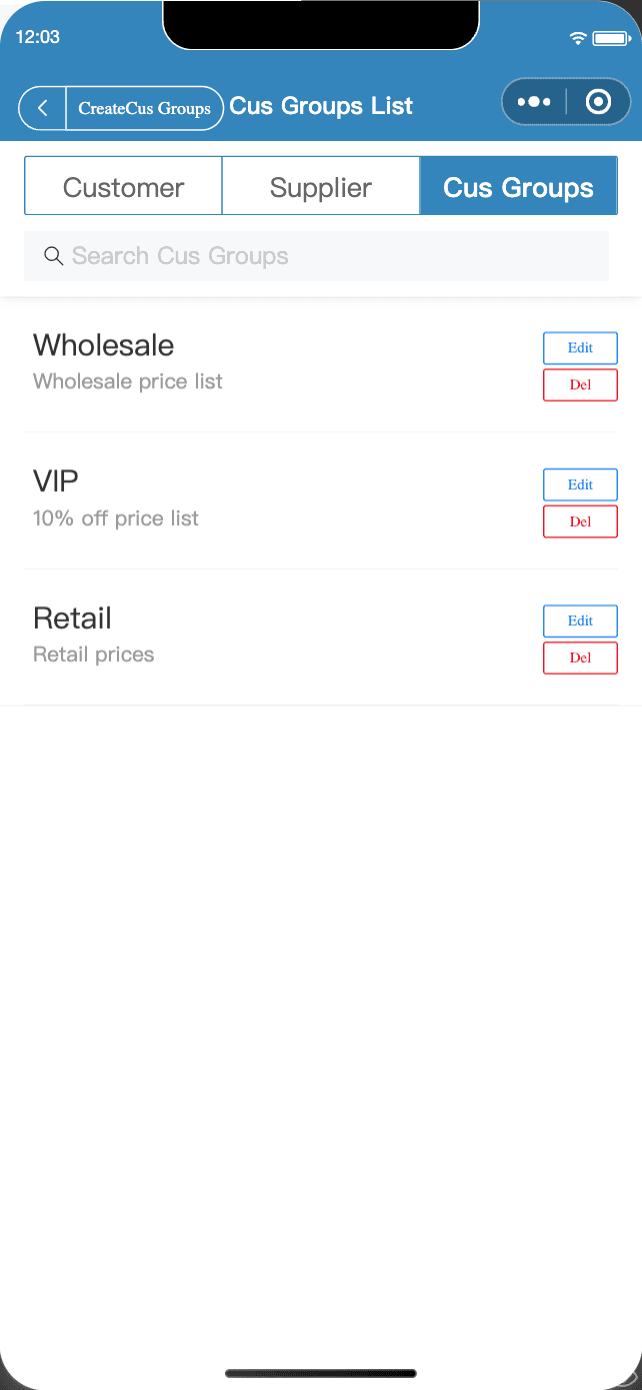
- Switch to the "Cus Groups" tab and tap "Create";
- Enter a name and description, bind a "Price List" if needed, and set "Can all products be viewed?" and the sort order.
Common groups: Wholesale customers (bound to a wholesale price list), VIP customers (a 10%-off list) and Walk-in retail (retail prices).
2. Add customers to groups
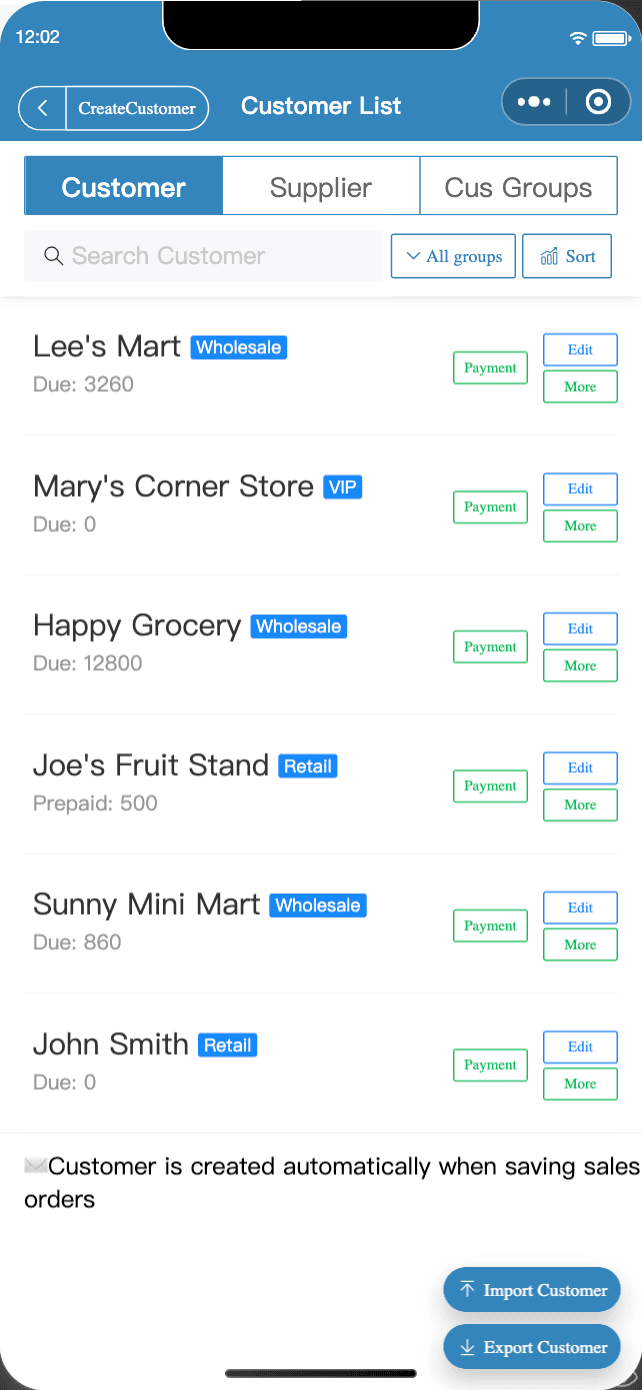
- In the customer list, tap "Edit" and choose a customer group;
- Use "All groups" at the top of the customer list to filter by group;
- After you tap "Link WeChat", the customer automatically gets their group's prices when viewing your quote or placing self-service orders in WeChat.
3. What groups do for you
| Use | Description |
|---|---|
| Group pricing | Bind a price list to a group for customer-specific pricing |
| Control visible products | Turn off "Can all products be viewed?" and the group only sees products in its price list |
| Quick filtering | View, contact and reconcile with customers by group |
4. Customer debts and payments
Every customer has a "Bal/Debt" figure, and unpaid bills add to it automatically. When you get paid, tap "Payment" to record it, or "Settle up" to clear it all at once. Payment records are always there, so no more digging through chat history at month-end.
FAQ
- Do I have to add customers one by one?
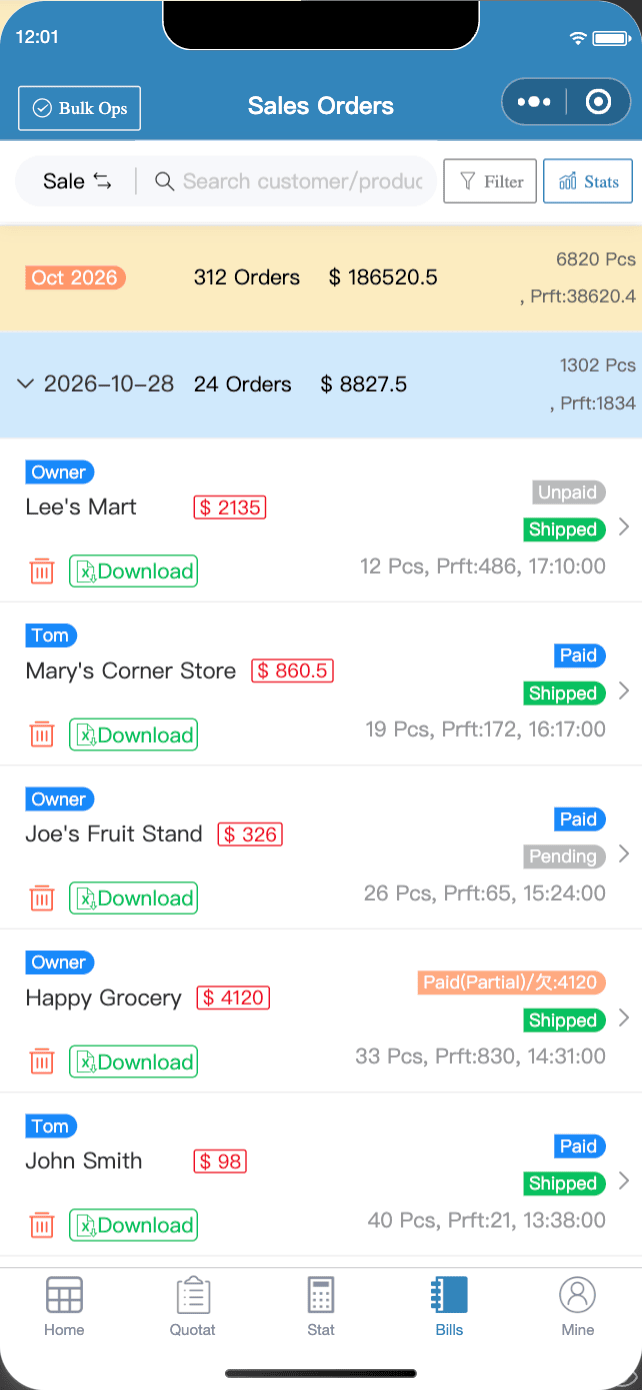
- No. Customers are created automatically when you save a sales bill, and suppliers when you save a purchase bill. You can also bulk import customers (member feature).
- How do I show only some products to a group?
- When editing the group, turn off "Can all products be viewed?" and customers in that group will only see the products in its bound price list.
- Do customer groups cost anything?
- Customer groups are free.
Download Micro Quotation and start billing for freeGet the App